A spare phone is the hardware wallet.
Store your QTC and sign post-quantum transactions without your keys touching any internet connected device. Transaction data passes via QR codes.
Turn your spare phone into a hardware wallet.
No more data leaks. It's just a phone.
Airgapped
One phone for signing. Another phone for everything else.
No blind signing
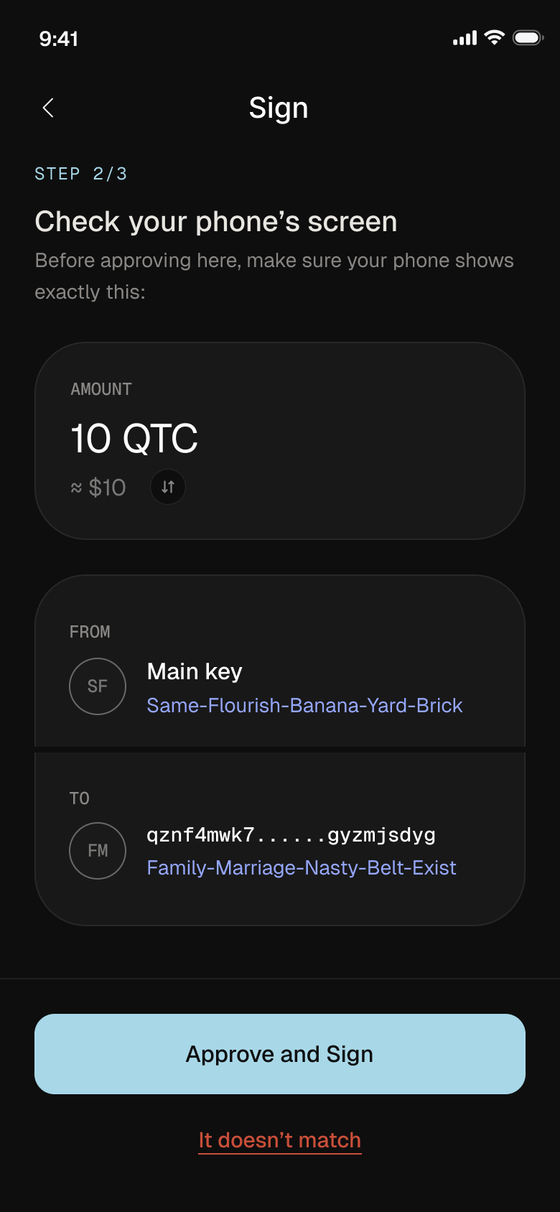
All transaction details are in plain text. The offline phone shows you exactly what you are approving.
Post quantum
Keep your keys secure at every layer of the stack.
Set it up once.
Install it on whichever phone you are retiring. It does not need a SIM card.

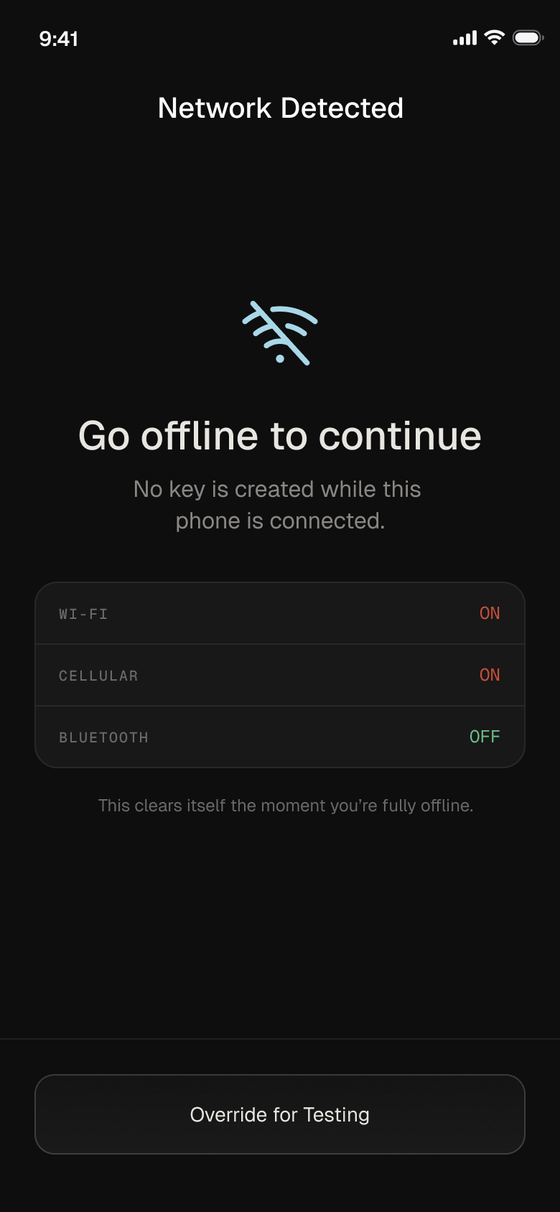
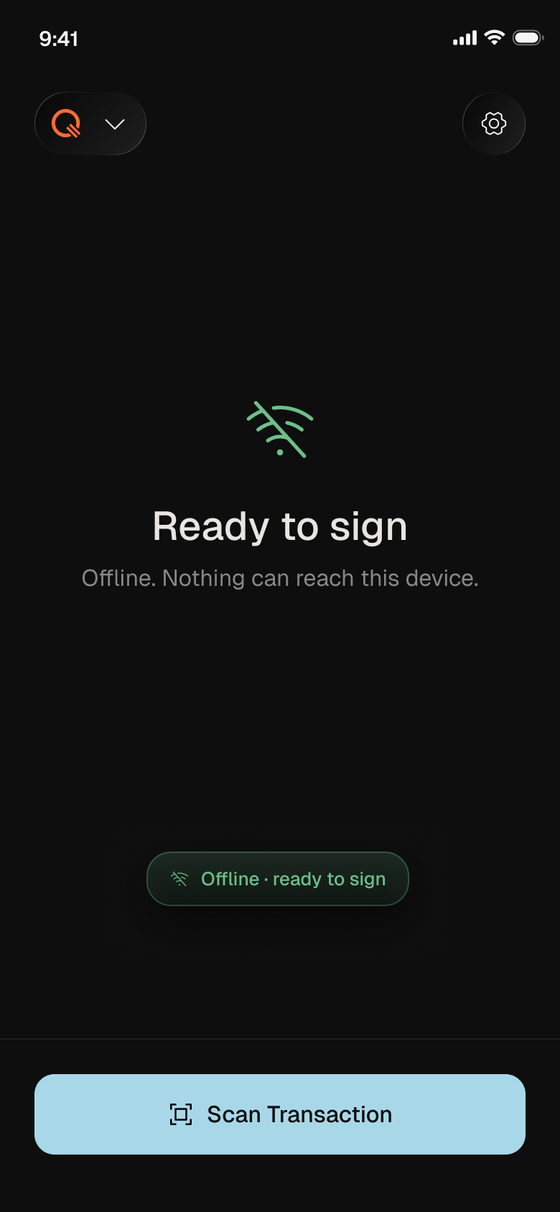
The app will not unlock while anything is switched on. Wi-Fi, cellular and bluetooth all have to go.
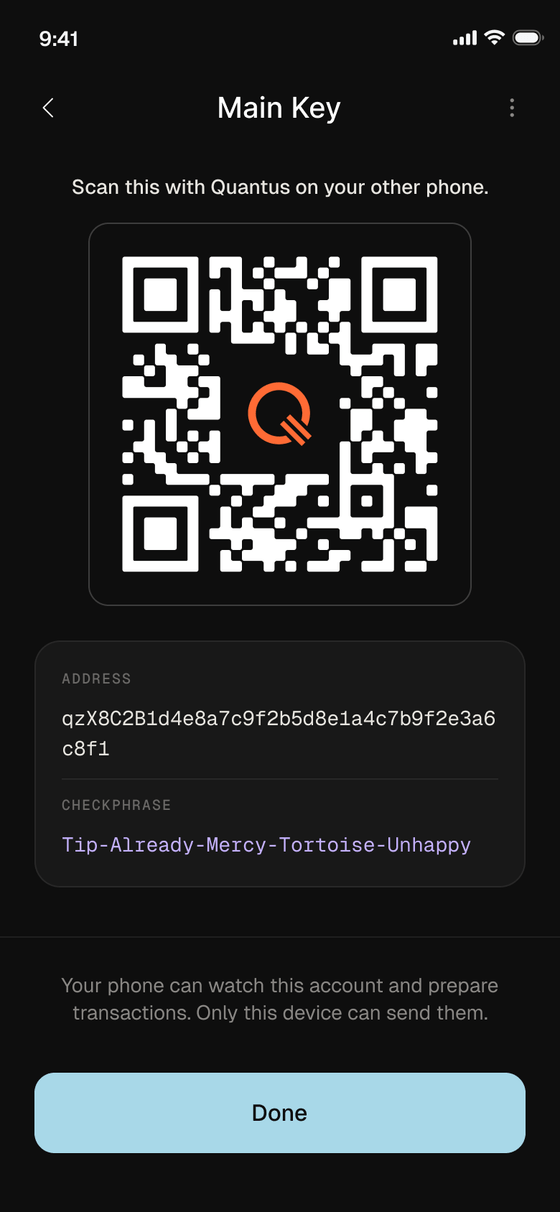
Scan the main key with Quantus on your other phone. That phone can prepare transactions. Only this device can sign them.
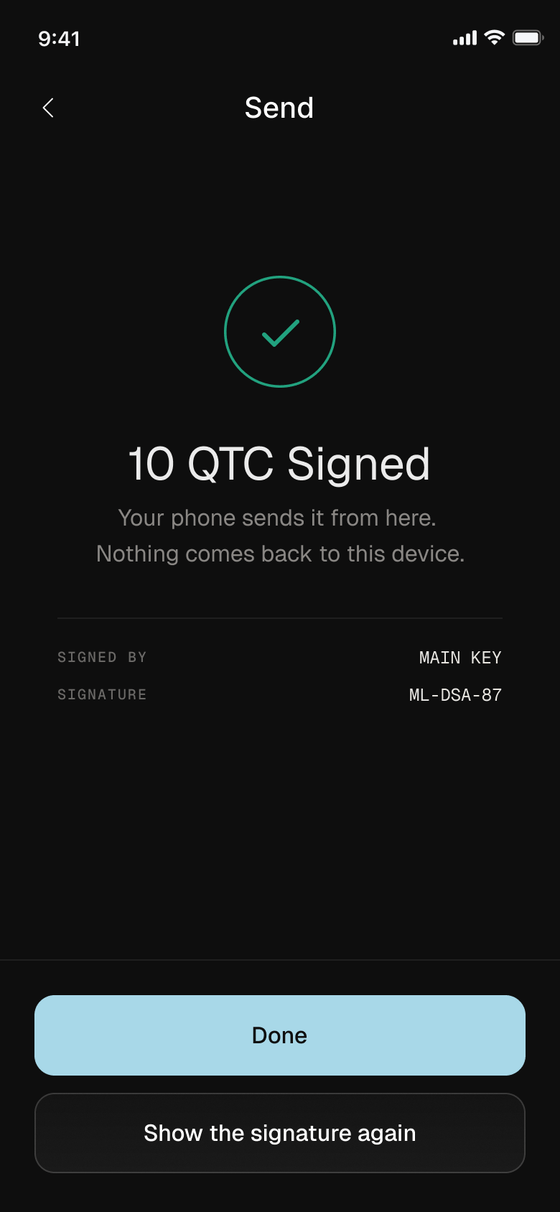
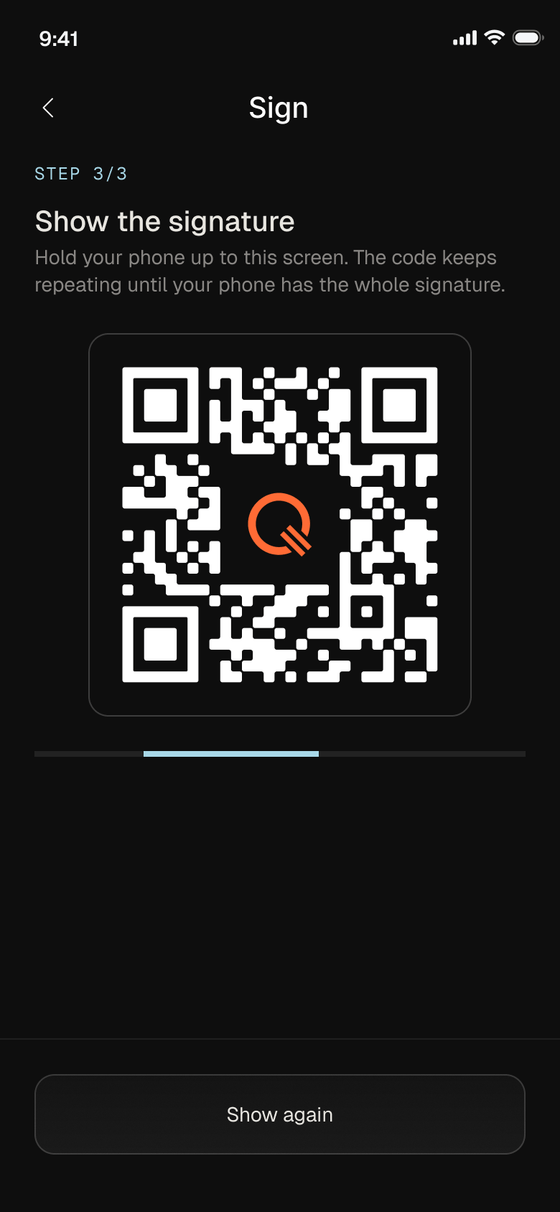
Check it in plain text, approve it, then hold the signature up to your online phone.
No cables. No bluetooth.
No network. Ever.
Your phone Online
Cold Wallet Offline
01 Your online phone turns the transaction into a QR code. Nothing is signed yet.
Your phone Online
Cold Wallet Offline
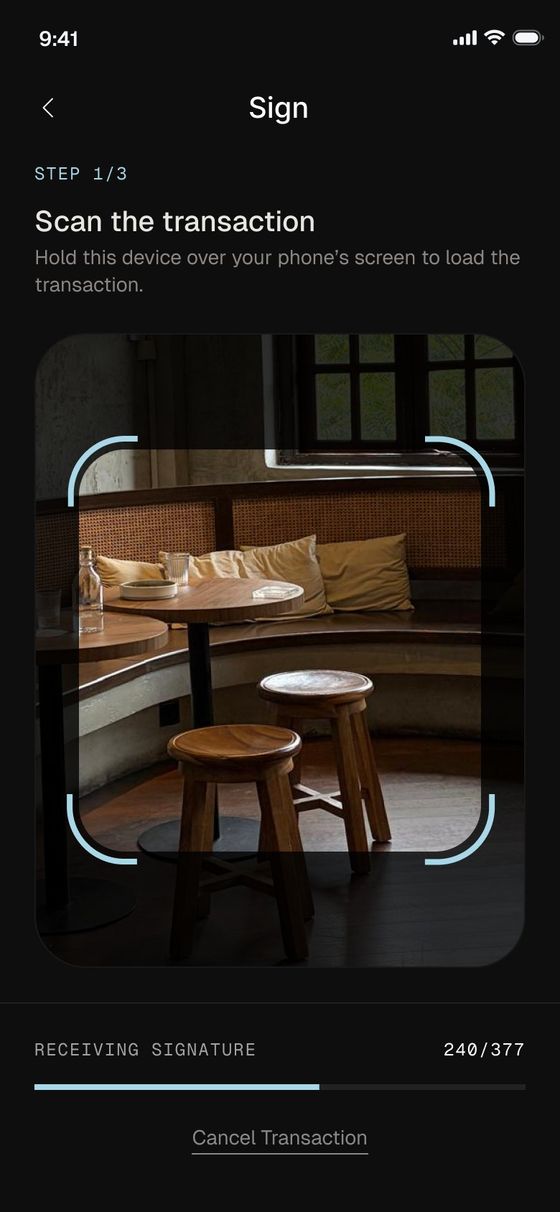
02 The offline phone reads it frame by frame. The camera is the only way in.
Your phone Online
Cold Wallet Offline
03 Every detail appears in plain text before anything is approved.
Your phone Online
Cold Wallet Offline
04 The signature goes back the same way. Your keys never left the phone.
Your phone Online
Cold Wallet Offline
Your online phone turns the transaction into a QR code. Nothing is signed yet.
The offline phone reads it frame by frame. The camera is the only way in.
Every detail appears in plain text before anything is approved.
The signature goes back the same way. Your keys never left the phone.
Keep your keys offline.
Free to download. Available worldwide.
Available now on iOS and Android.